Hello!
For the past several years I’ve gotten a lot of use out of Sync feature of this application. As far as I’m aware, this is the best way to sync Lifx lights to a PC screen.
Yesterday evening I was disappointed to discover that this feature appears to no longer be functional. The video capture element seems to be totally broken with live no preview present within the app as there was before.
I was interested to see if this issue just impacted Lifx lights. I have a Hue setup in my living room that is typically controlled by a Syncbox and the issue appears to be the same there as well. Syncing is just blanked and there’s no preview.
Here’s an image showing how it all looks on my end. When sync is active, the lights are just turned off.
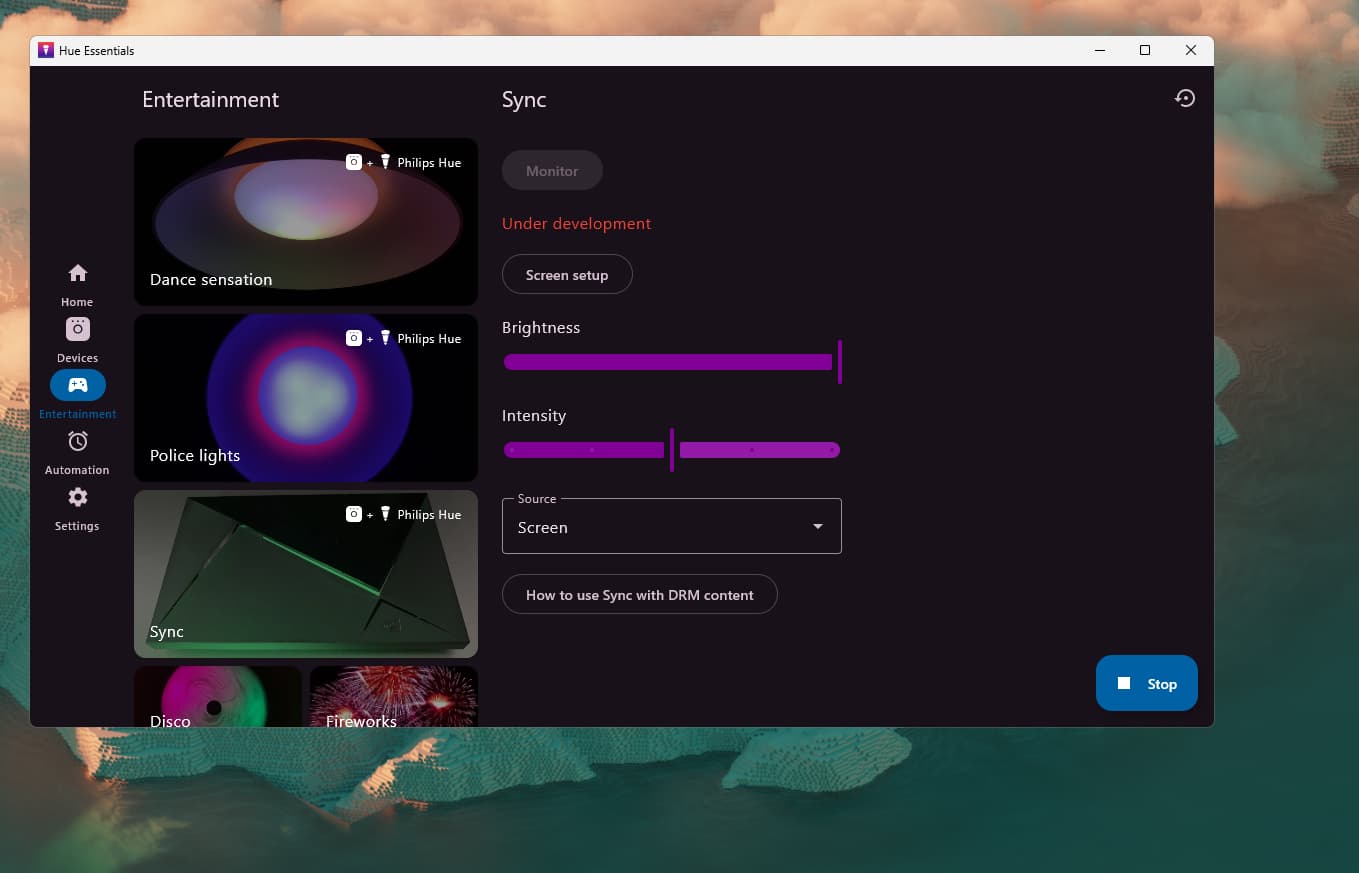
I’ve tried several re-installing and several debugging steps already but no dice. It looks like there was an update pushed on 6/26 and I suspect it introduced some sort of bug.
Thank you and best regards.
EDIT:
Just updated again and it’s fixed! Thanks so much.