Hello,
I’m looking for some help and guidance with an issue I’m having with manually controlling my Philips Hue lights while using motion-based automation.
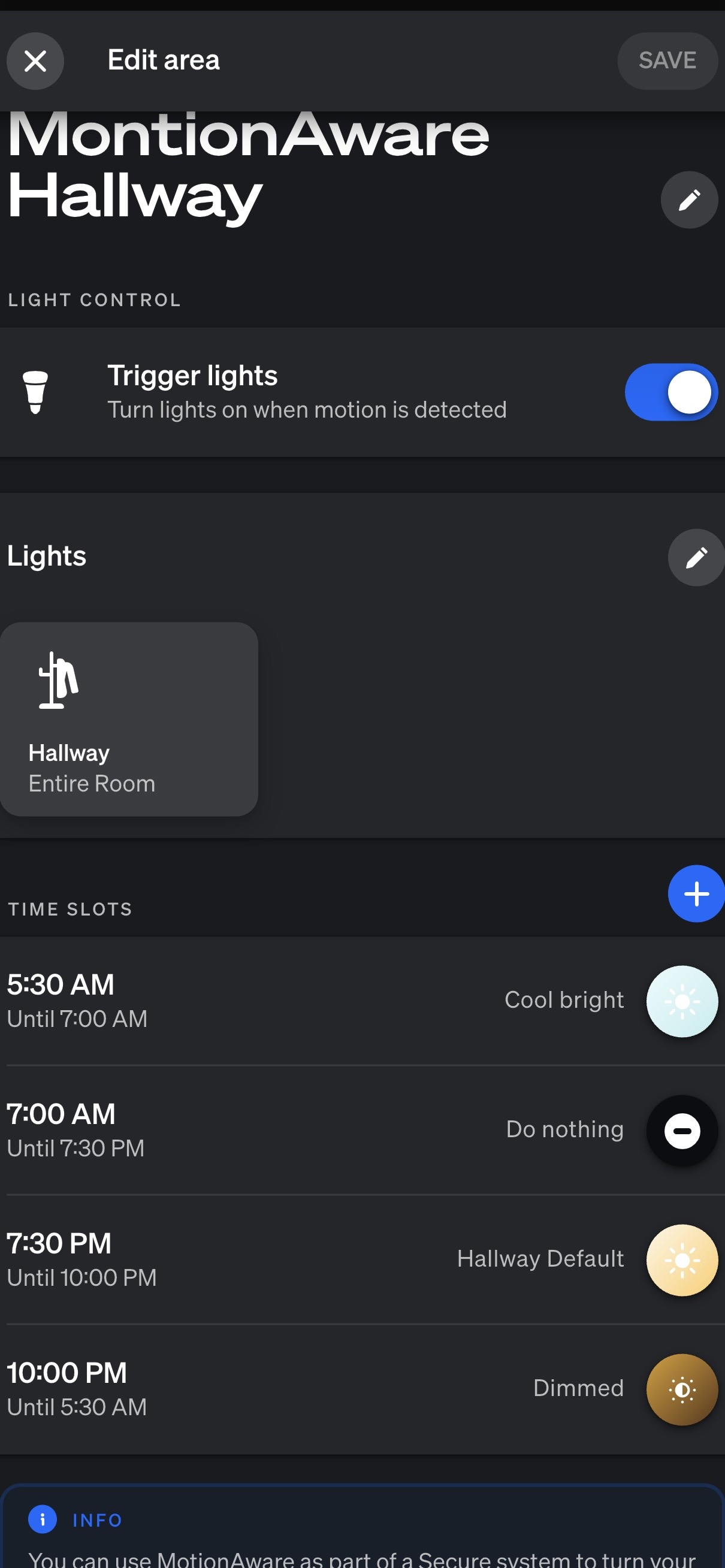
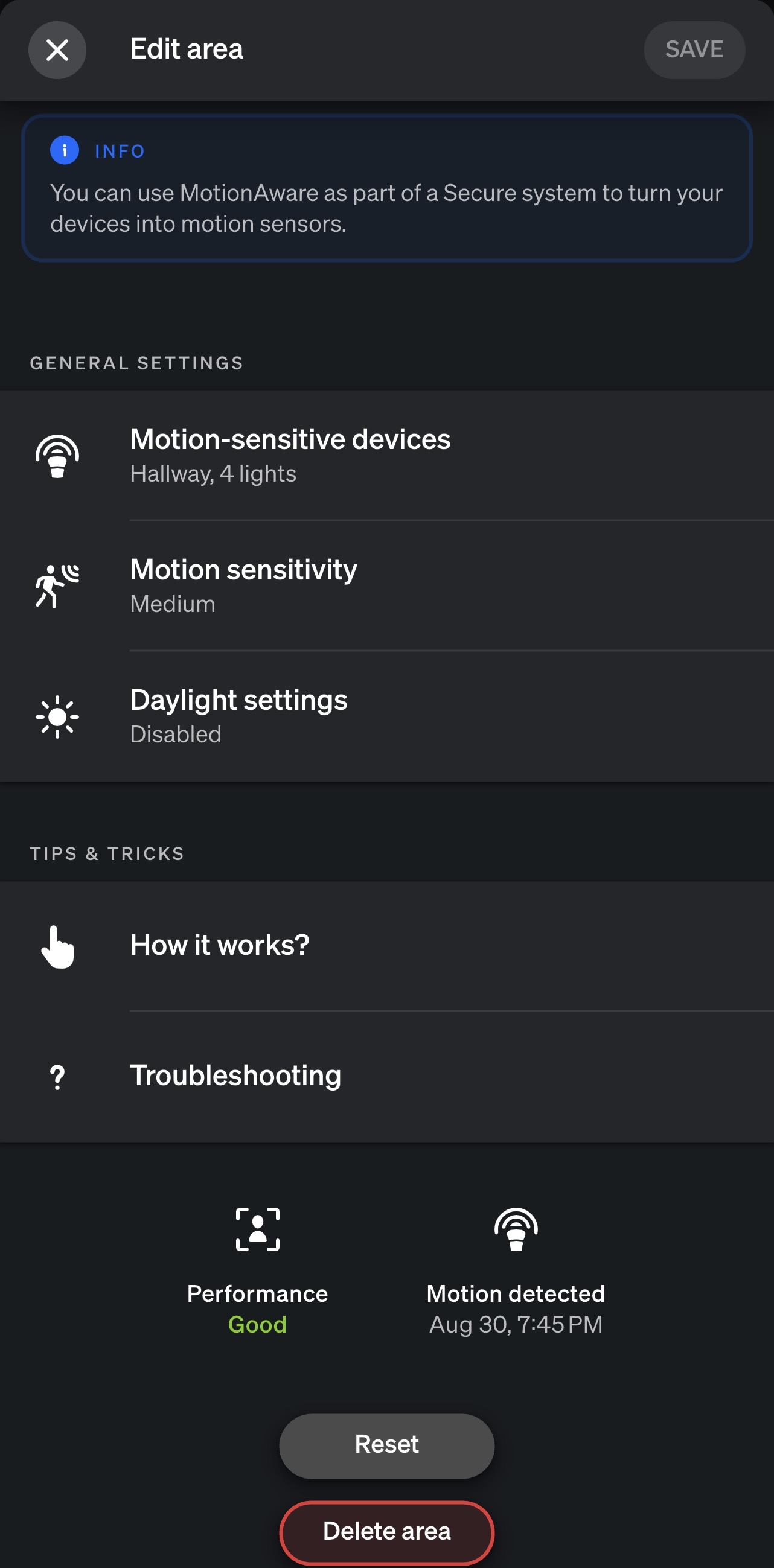
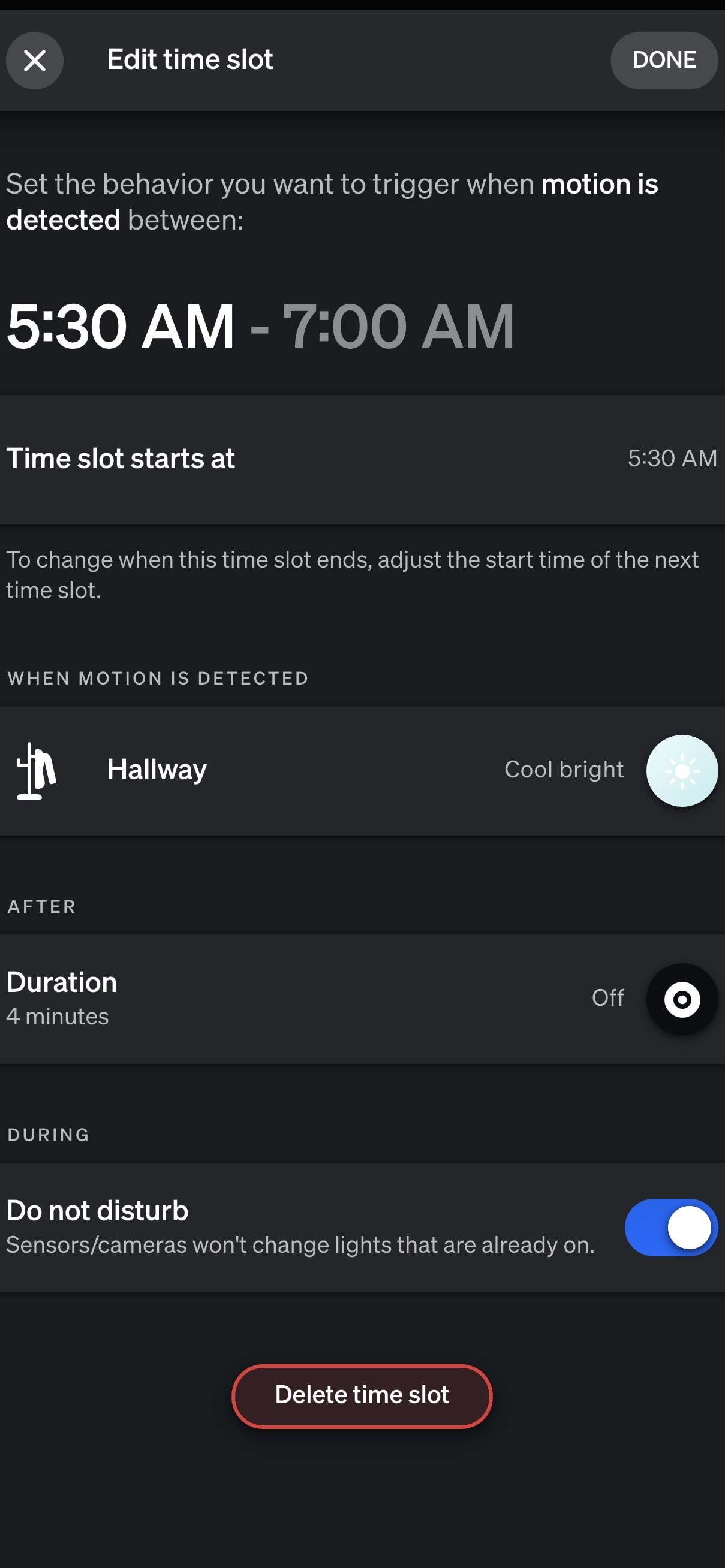
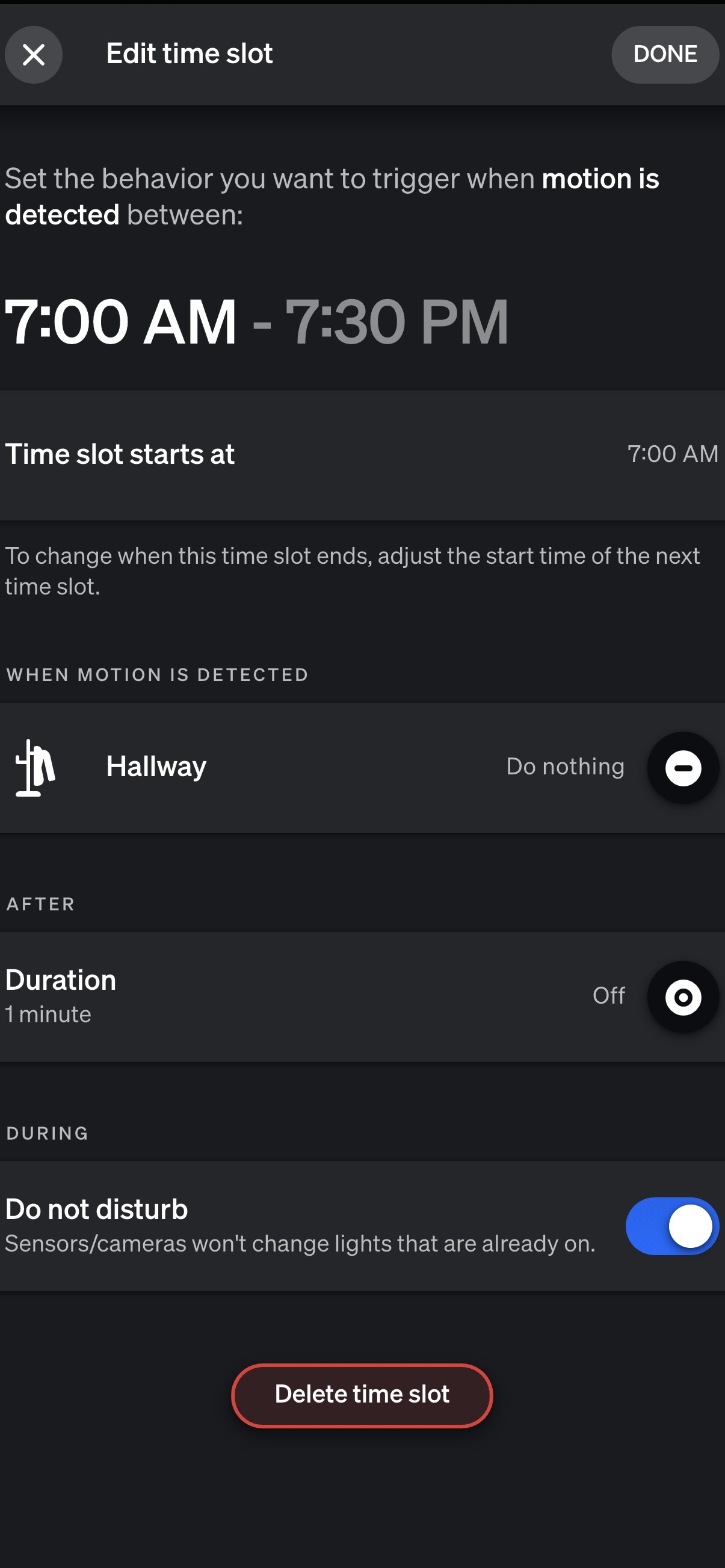
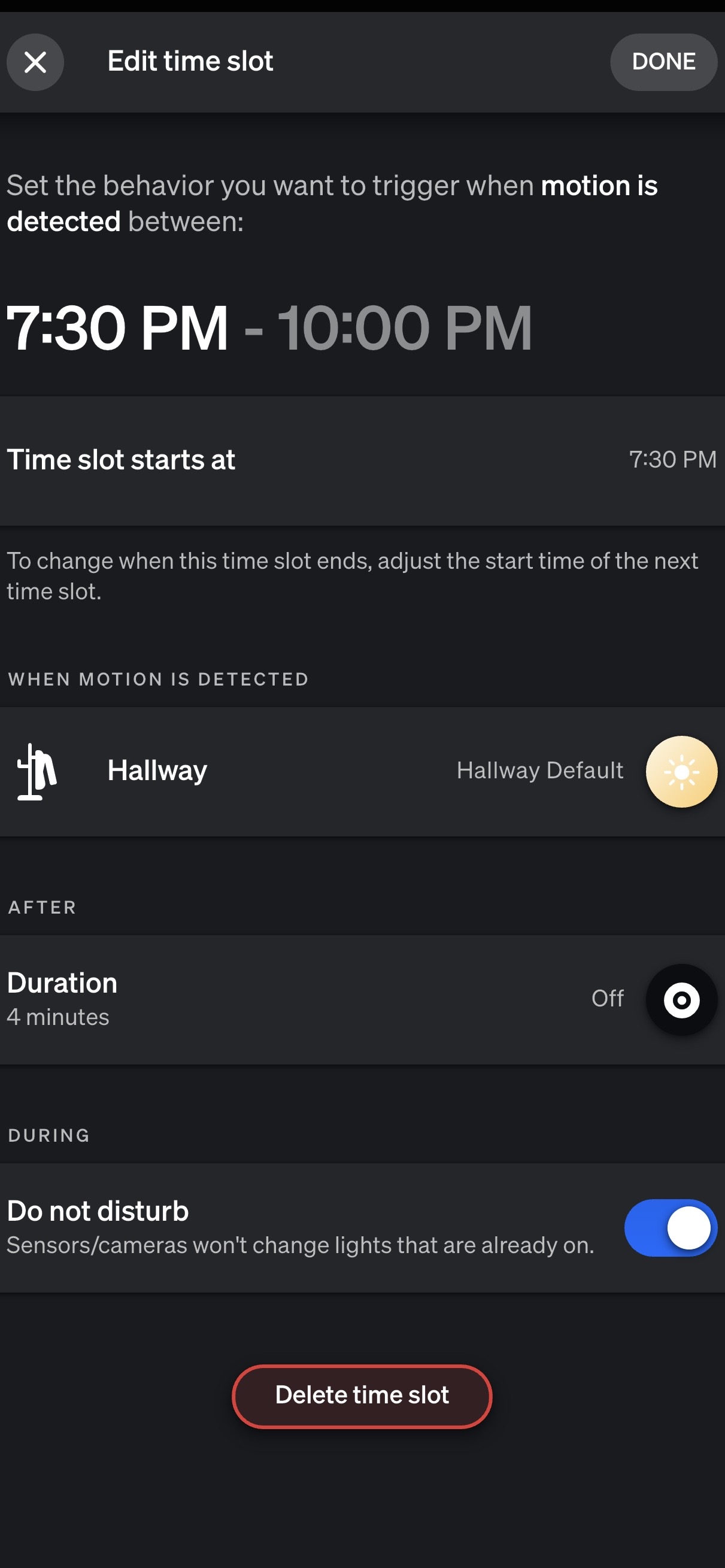
I have Philips Hue BR30 LED Smart Light Bulbs, Hue Bridge Pro and have a MotionAware area set up. I also have “Do Not Disturb” enabled within the MotionAware settings.
I currently have both of the following physical controls:
• Philips Hue Smart Button
• RUNLESSWIRE CLICK for Philips Hue self-powered wireless smart switch
Unfortunately, neither switch behaves the way I would expect when MotionAware is enabled.
What I’m trying to accomplish is: I would like to keep MotionAware enabled for automatic lighting, but also be able to manually turn the lights on when needed and have them remain on indefinitely until I manually turn them off.
For example:
- MotionAware turns the lights on when motion is detected.
- If I manually press the Hue Smart Button or CLICK switch to turn the lights on, I want the lights to remain on indefinitely rather than follow the MotionAware shutoff timer.
- I then want to be able to manually turn the lights off using the switch.
- Once manually turned off, MotionAware should continue operating normally the next time motion is detected.
Currently, when I use either the Hue Smart Button or the RUNLESSWIRE CLICK as a manual override, the lights continue to follow the MotionAware duration setting and automatically turn off.
Since this happens with both the Philips Hue Smart Button and the RUNLESSWIRE CLICK, I’m wondering if there is a Hue setting, automation, or configuration that is preventing these switches from functioning as a true manual override.
Could you please let me know how I can configure my Hue system to achieve this?
Thank you in advance.