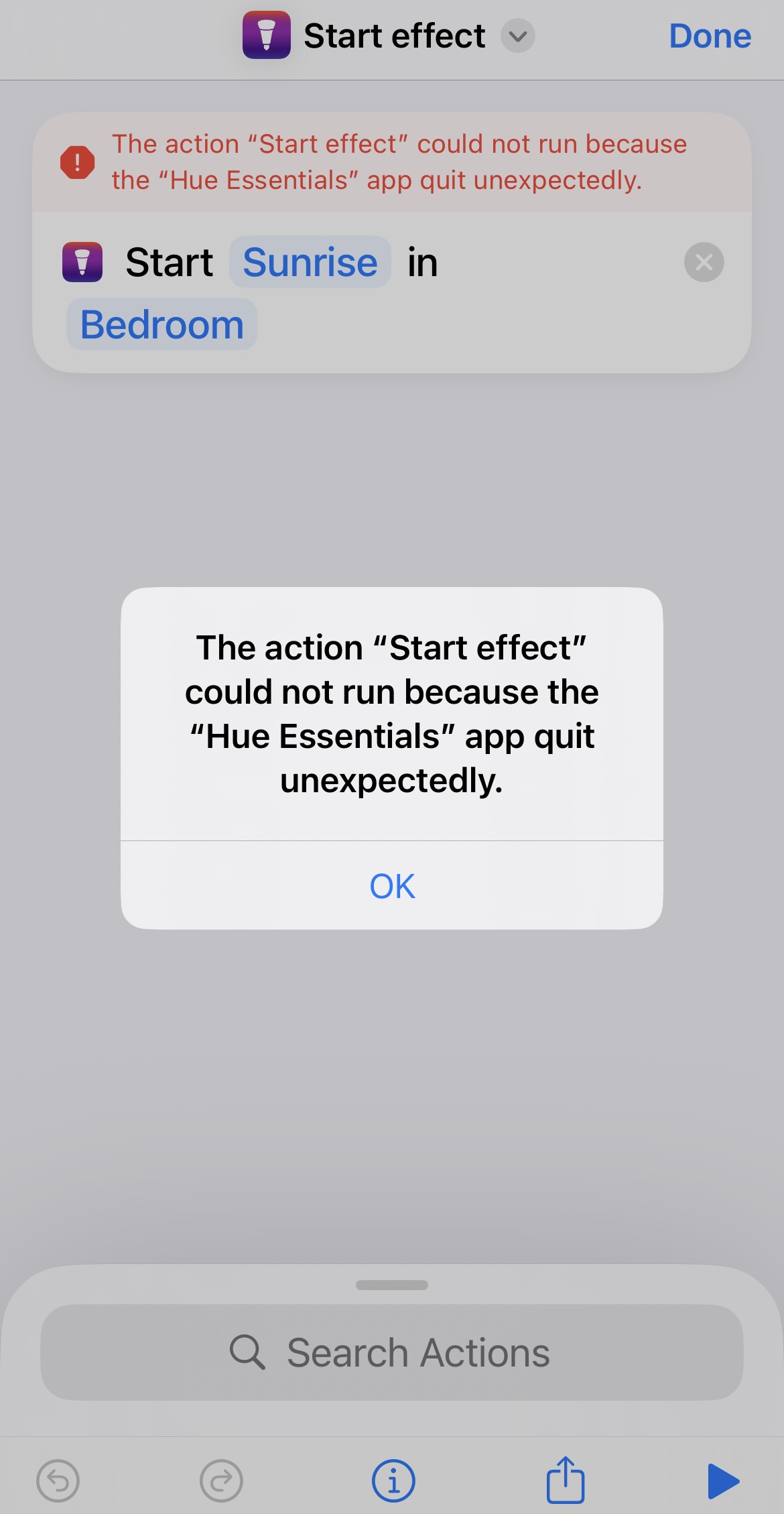
When I add a custom effect that I created into Shortcuts, Shortcuts sees the Hue Essentials app that I paid for, it sees the custom effect that I want to call. But when I execute the Shortcut, it says the Hue Essentials App quit unexpectedly.
This was the one reason I bought the product. The effect runs perfectly in the Essentials app but I am looking to add a voice trigger for the effect.
I have the same issue. I find it a strange response saying that shortcuts cannot call effects since there is literally an action which supposedly does that…
Would be great if this could be fixed. This was the main reason I got this app.
Thank you all for reporting this issue. Apologies for the inconvenience. The bug will be fixed in Hue Essentials version 4.5.1 which should be available within a few days.